
Tools & apps
Connecting Your Golf Apps: From Launch Monitor to Scorecard
October 29, 2026
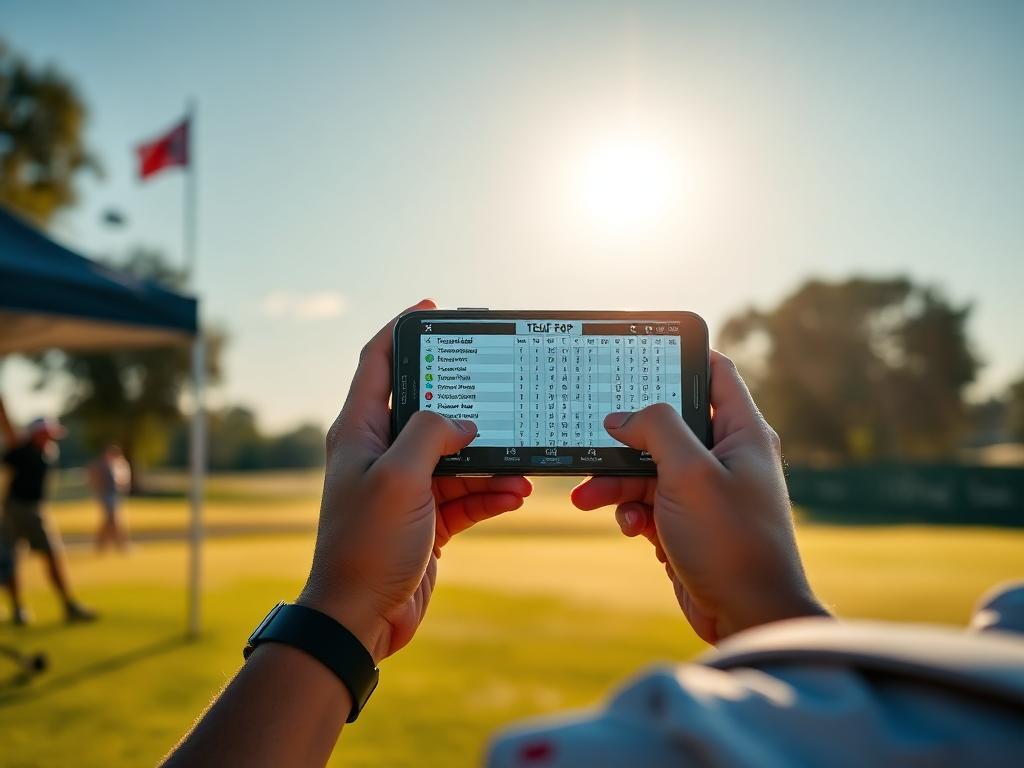
Junior golfers use multiple apps for scoring, yardages, and practice data. Here is how to connect those data points into a clear player development plan.
Most competitive high school golfers have a phone full of golf apps: tournament portals like BlueGolf and Golf Genius, launch monitor dashboards from TrackMan or Foresight, on-course GPS tools, and dedicated stat trackers.
While each tool serves a specific purpose, few players connect the data between them. Having five isolated sets of numbers creates confusion rather than clarity. To build a profile that college coaches respect and a practice routine that actually lowers your tournament scoring average, you need to understand what each tool does well, where its utility ends, and where critical data gets lost.
1. Tour Engines: BlueGolf, Golf Genius, and AJGA
These platforms are the competitive backbone of junior golf. Tours across Texas—including the Legends Junior Tour, NTPGA, and TJGT—rely on BlueGolf and Golf Genius to handle registration, pairings, live leaderboards, and official scoring records.
What they do well
- Official verification: College coaches check these portals to confirm scores, course ratings, yardages, and field strength.
- Schedule management: Tracking deadlines, entry windows, and exemption statuses.
Where the data stops
Tour apps provide gross box-score results: total score, round breakdown, and occasionally basic stats like fairways, greens in regulation (GIR), and total putts. They offer zero context on why a score occurred. A 75 with 32 putts and 14 greens tells a completely different developmental story than a 75 with 24 putts and 7 greens, but a standard tour leaderboard treats them the same.
2. Launch Monitors and Simulators
Launch monitors provide objective physics: ball speed, launch angle, spin rate, and carry distance under controlled conditions.
What they do well
- Calibrating stock yardages: Establishing accurate flat-ground carry distances for every club in the bag.
- Equipment optimization: Identifying whether your spin rates and launch windows maximize distance and control.
- Dispersion mapping: Showing left-to-right and front-to-back patterns across a 20-shot sample.
Where the data stops
Controlled range numbers do not automatically translate to competition. Simulators cannot replicate uneven lies, firm Texas turf, cold morning air, or the pressure of protecting a lead on the back nine. If you rely solely on range monitor averages without adjusting for tournament variables, you will misclub frequently on the course.
3. GPS, Rangefinders, and Course Planners
Whether through a dedicated handheld laser or a digital course-mapping app, these tools provide spatial awareness during practice rounds and competitive play.
What they do well
- Target selection: Measuring cover numbers over bunkers, runouts on doglegs, and distances to the front, middle, and back of greens.
- Preparation: Mapping off-the-tee target lines during practice rounds at unfamiliar venues.
Where the data stops
These tools are real-time execution aids, not performance analyzers. Knowing a pin is 162 yards away into a 15 mph wind is useful in the moment, but unless you record your club choice and the resulting proximity, the data vanishes once you walk off the green.
4. Post-Round Stat Trackers
Dedicated tracking platforms and strokes-gained spreadsheets take raw round data and convert it into actionable performance trends.
What they do well
- Pinpointing scoring leaks: Separating approach play struggles from short-game execution.
- Contextual accuracy: Distinguishing between a missed green from 110 yards in the fairway versus a missed green from 210 yards in the rough.
Where the data stops
Stat tracking fails when players get lazy or emotional. If you only input stats after good rounds, your data pool is biased. Furthermore, standard stats (like total putts) without starting distances provide almost no useful feedback.
Bridging the Data Gaps
To make your technology work together, follow a simple three-step workflow:
- Calibrate on the monitor, verify on the course: Update your baseline carry numbers on a launch monitor monthly. During practice rounds, test those carry numbers against real course conditions and document adjustments in your yardage book.
- Log performance within two hours of signing your card: While the round is fresh, record starting yardages, lies, and resulting proximities for every shot. Do not let official tour leaderboards be your only record of the day.
- Direct practice from the gap, not your comfort zone: If your tracking tool shows you lost 1.8 strokes on approach shots between 125 and 150 yards, spend your next range session using the launch monitor specifically within that distance bracket.
This Week: Audit Your Last Five Rounds
Take your official scoring records from your last five competitive rounds in BlueGolf or Golf Genius. Enter each round into your stat tracker or a basic spreadsheet to calculate your actual average proximity on approach shots and your up-and-down conversion rate. Use those two numbers to structure your practice sessions this coming weekend.
Track your own numbers
Log every round hole by hole, import verified tour scores automatically, and send coaches a stat page that stays current.