
Tools & apps
Connecting Your Junior Golf Tech Stack for College Development
November 18, 2026
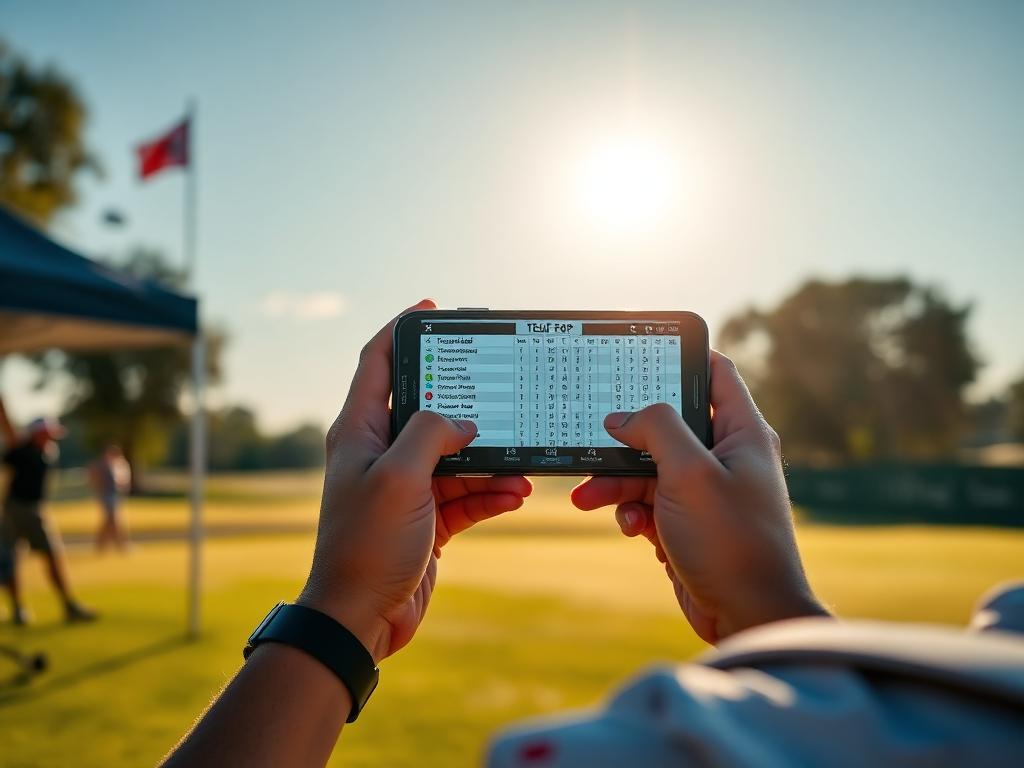
Tournament leaderboards, launch monitors, and stat trackers collect valuable numbers. Here is how to connect them into a single development system.
Most competitive high school golfers operate across four or five separate golf applications every week. You check tee times on BlueGolf or Golf Genius, track tournament updates on the AJGA portal, capture ball speed on a launch monitor, and check yardages on a GPS app during practice rounds.
Each tool serves a specific operational purpose, but very few players connect the data between them. The result is a fragmented picture: your swing numbers sit on a simulator screen, your tournament differentials sit on a tour portal, and your actual scoring leaks remain unaddressed. To build a profile that college coaches respect, you need to understand what each platform is built to do, where the data chain breaks, and how to integrate them.
1. Tour Leaderboard Platforms (BlueGolf, Golf Genius, AJGA)
What they do well
- Official record keeping: These platforms track your official tournament scorecards, scoring differentials, field averages, and tournament finishes.
- Administrative logistics: They manage registration deadlines, pairings, start times, and local rules sheets across tours like the TJGT, LJT, NTPGA, and AJGA.
Where data is lost
A tour scorecard tells coaches what you shot, but not how you shot it. A round of 75 with 14 greens in regulation and three three-putts looks identical on BlueGolf to a 75 built on five up-and-downs and two penalty strokes off the tee. Relying on tour scorecards to evaluate your game leaves out critical diagnostic data.
2. Launch Monitors and Simulators
What they do well
- Club delivery and ball data: Accurate measurement of clubhead speed, ball speed, launch angle, spin rate, and carry distance.
- Bag mapping: Identifying carry yardages and gap intervals across your irons and wedges in a controlled environment.
Where data is lost
Launch monitors measure execution in sterile conditions. Indoor turf and premium range balls do not replicate Texas wind, firm tournament fairways, Bermuda lies, or tournament pressure. Players often make the mistake of using optimal indoor carry numbers as their on-course baseline, leading to poor club selection during tournament rounds.
3. Dedicated Stat Logging and Strokes Gained Apps
What they do well
- Scoring isolation: Strokes Gained tracking isolates performance into four distinct categories: Off-the-Tee, Approach, Around-the-Green, and Putting.
- Targeted practice planning: A proper stat log shows whether a missed green was a club selection error, a dispersion issue, or an errant tee shot that forced a punch-out.
Where data is lost
Data logging fails when entry is delayed. If you wait 24 hours after a tournament round to log your shots, your recollection of start lines, lie conditions, and first-putt distances degrades significantly. Inaccurate input produces faulty practice priorities.
Bridging the Gaps: A Functional Workflow
To turn these separate tools into a unified training system, establish a consistent weekly process:
- Calibrate monitor data against tournament turf: Use launch monitor sessions to confirm your carry yardages, but adjust your baseline numbers based on tournament conditions (such as cold morning starts or heavy crosswinds).
- Bridge the scorecard within two hours of finishing: Immediately following a competitive round on the TJGT, NTPGA, or LJT, transfer your hole-by-hole notes from your physical yardage book into your Strokes Gained app. Do not leave the data sitting exclusively on BlueGolf or Golf Genius.
- Direct practice time to the lowest Strokes Gained metric: If your stats show a loss of 1.8 strokes on approach shots between 125 and 150 yards, structure your next launch monitor session around wedge and short-iron distance control combines rather than top-end driver speed.
College programs use integrated data systems to assess and develop players. Establishing this discipline during high school prepares you for collegiate team analytics and ensures your practice time targets measurable scoring improvements.
This Week's Action Step
Pull your last three tournament scorecards from your tour portal (BlueGolf, Golf Genius, or AJGA). Enter the hole-by-hole shot data into a Strokes Gained platform or a detailed spreadsheet. Identify your single largest scoring deficit—tee-shot penalties, approach proximity from a specific yardage bucket, or putts inside eight feet—and dedicate your first 45 minutes of practice this week to that specific metric.
Track your own numbers
Log every round hole by hole, import verified tour scores automatically, and send coaches a stat page that stays current.