
Tools & apps
Connecting Your Golf Apps: How to Stop Losing Scoring Data
September 17, 2026
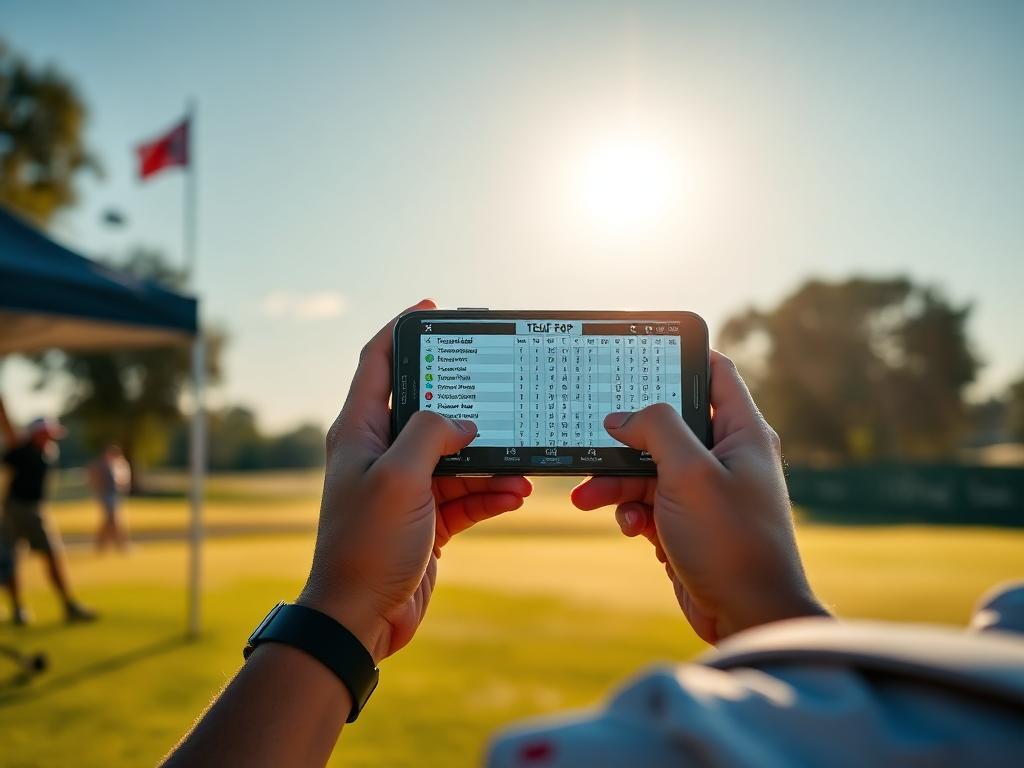
Junior golfers use four or five different digital tools every week. Here is how tournament apps, launch monitors, and stat trackers fit together without data leaks.
Most competitive junior golfers use four or five golf-related apps every week. Between tournament management software, launch monitors, GPS tools, and stat trackers, players produce a massive amount of digital information.
However, having access to data is not the same as using it effectively. In most junior golf households, these platforms operate in silos. Valuable performance data gets trapped in the wrong place or lost completely between the final putt and the car ride home.
To build a clear, coach-ready profile for college recruiting, you need to understand what each tool actually does and where the data breaks down.
Tournament Software (BlueGolf, Golf Genius, AJGA App)
These platforms are the operating systems of competitive junior golf. You encounter them across NTPGA, TJGT, LJT, and AJGA events.
What they do well
- Official administration: Pairings, starting times, local rule sheets, pace-of-play timing, and official score verification.
- Leaderboards and rankings: Real-time scoring updates for coaches and ranking integration across Junior Golf Scoreboard and AJGA Performance Based Entry.
Where data is lost
Tournament apps are designed for event administrators, not player development. At best, live scoring records basic hole-by-hole gross scores. Occasionally, a system prompts for basic fairways hit, greens in regulation, and total putts.
These apps do not track shot dispersion, approach proximity, lie conditions, or the specific reasons behind a bogey. Relying on tournament leaderboards to analyze your game will hide your true scoring leaks.
Launch Monitors and Simulators
Whether working on a TrackMan, FlightScope, GCQuad, or personal unit, launch monitors measure delivery and ball flight under controlled conditions.
What they do well
- Ball speed and carry baselines: Establishing precise carry yardages with every club in the bag.
- Impact mechanics: Diagnosing face-to-path angles, spin rates, and attack angles during swing changes.
Where data is lost
Simulator numbers exist in a vacuum. Mat-based practice does not translate directly to Texas turf conditions, crosswinds, or uneven lies. When players only track their launch monitor numbers, they often develop a false sense of their on-course carry distances, leading to poor club selection during tournament play.
GPS and Course Mapping Tools
Handheld GPS platforms and phone-based yardage apps serve specific tactical functions during preparation.
What they do well
- Practice round prep: Measuring runout distances, forced carry numbers, and blind doglegs before competitive rounds.
- Target planning: Plotting landing areas relative to hazards.
Where data is lost
In competitive rounds, phone use may be restricted, and non-conforming GPS features (like slope or wind assistance) must be disabled. When players rely on an app for real-time club recommendations in practice, they struggle to make independent decisions when competing under strict tournament conditions.
Stat Logging and Strokes Gained Platforms
Dedicated stat trackers (such as Decade, Clippd, or custom spreadsheets) serve as the connective tissue for your entire game.
What they do well
- Contextual scoring: Separating execution errors from strategic mistakes.
- Pinpoint practice priorities: Showing whether high approach numbers stem from poor iron play or missed fairways.
Where data is lost
The breakdown occurs entirely in the transfer process. If a player does not record raw on-course metrics on a paper scorecard during the round and log them within 24 hours, the data degrades. Guessing your first-putt distances or approach lies from memory two days after a tournament creates flawed analytics.
The Unified Workflow
To keep your data clean and actionable, use this simple sequence:
- Step 1 (Practice): Use launch monitors strictly to calibrate carry yardages and monitor strike quality.
- Step 2 (Practice Round): Use yardage books and GPS to map fairway runouts and green complexes.
- Step 3 (Tournament Round): Use the official tour app (BlueGolf or Golf Genius) for administrative scoring. On your physical scorecard, track five simple data points per hole: drive outcome/distance, approach club/start yardage, approach lie, proximity to hole, and first putt distance.
- Step 4 (Post-Round): Enter your physical scorecard data into your dedicated stat platform the same evening.
Action Step for This Week
Take your scorecard from your last competitive event. Create a simple shorthand key on the margin (e.g., Fairway/Rough/Sand, Approach Club, First Putt Feet) and use it during your next practice round. Build the habit of recording exact metrics on paper before you log them digitally.
Track your own numbers
Log every round hole by hole, import verified tour scores automatically, and send coaches a stat page that stays current.