
Tools & apps
Connecting Your Junior Golf Tech Stack for College Prep
October 9, 2026
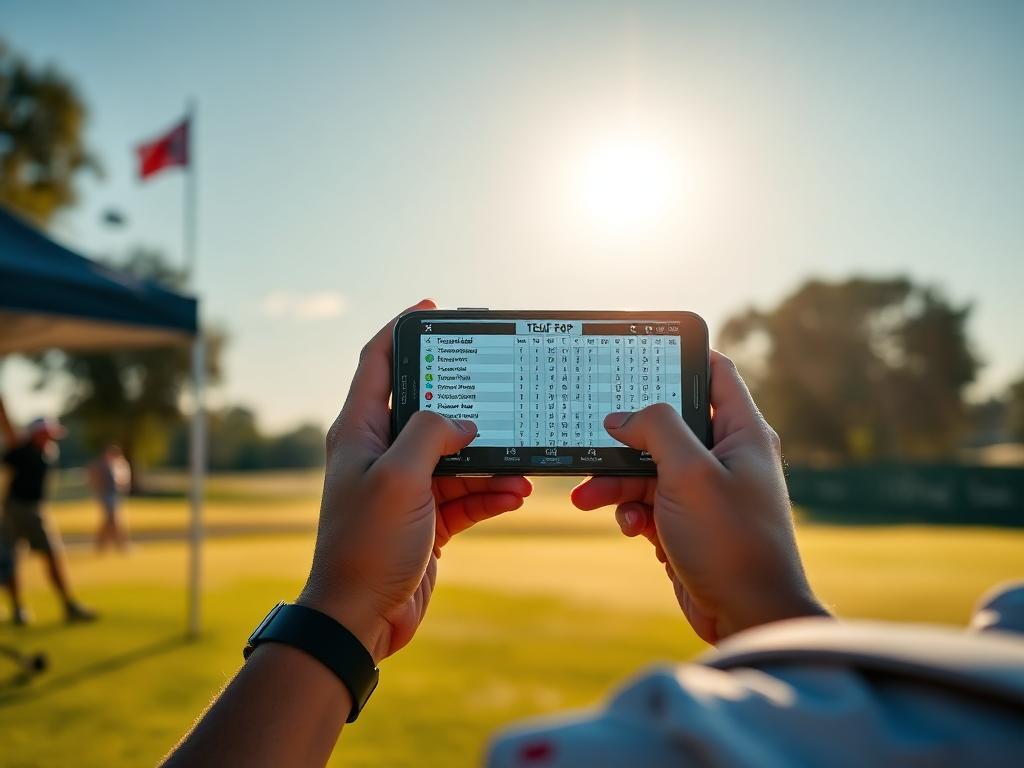
Junior golfers rely on multiple apps for tournaments, launch data, and stats. Here is how to eliminate blind spots between your digital tools and improve your prep.
Most junior golfers aspiring to play college golf use at least four digital platforms during a standard tournament week. They check pairings on BlueGolf or Golf Genius, verify tournament status with the AJGA, dial in carry numbers on a launch monitor, navigate the course using rangefinder tools, and log rounds into a performance app.
The issue facing competitive players is rarely a lack of technology. The problem is fragmentation. When your tools do not communicate, critical performance data gets lost between the practice tee, the first hole, and your post-round debrief.
To build a developmental system college coaches respect, you must understand what each tool actually does well and where the handoffs break down.
1. Tournament Engines (BlueGolf, Golf Genius, AJGA App)
What they do well
- Official administration: Delivering tee times, hole locations, local rules, and verified live scoring.
- Recruiting visibility: Feeding official scorecards directly into Junior Golf Scoreboard (JGS) and tour-specific rankings.
Where data gets lost
Tournament apps record the what, not the why. A scorecard showing a 75 with 14 pars, 2 bogeys, and 1 double bogey tells a college coach the final outcome, but it reveals nothing about execution. It does not show if the double bogey was caused by a wild tee shot, a poor approach from the fairway, or a three-putt from 40 feet. Relying solely on official scoring engines leaves your training plan blind to real root causes.
2. Launch Monitors and Simulators (Trackman, Foresight, FlightScope)
What they do well
- Precision delivery physics: Measuring exact club path, face-to-path relationships, ball speed, launch angle, and spin.
- Calibrating baseline stock carry: Establishing clear, flat-ground carry distances for every club under controlled conditions.
Where data gets lost
Indoor and range numbers often fail to translate to the golf course. A 7-iron that carries 168 yards off a flat synthetic turf mat behaves differently from a sidehill lie in thick Texas Bermuda grass under tournament pressure. When players do not adjust their launch monitor baseline numbers for turf interaction, wind, and firm greens, club selection errors multiply quickly.
3. Course Mapping and On-Course Distance Tools
What they do well
- Target verification: Providing accurate yardages to front, middle, and back of greens, as well as run-out points off the tee and hazard clearance lines.
- Visualizing hazards: Helping players establish smart landing zones and conservative targets to the fat side of the green.
Where data gets lost
In-round distance tools operate purely in the present. They tell you the yardage for the shot in front of you, but they do not record your target intent versus your actual execution. If you aim 15 feet left of the pin and miss 30 feet right, the distance tool cannot record that 45-foot directional error for your coach.
4. Post-Round Stat Trackers (Strokes Gained and Shot Logging)
What they do well
- Objective weakness identification: Separating driving effectiveness, approach play, short game, and putting through Strokes Gained metrics.
- Pattern tracking: Identifying persistent miss patterns, such as short-side misses with short irons or poor speed control on long putts.
Where data gets lost
Stat apps fail when there is a delay in data entry. Logging shots from memory eight hours after a round produces inaccurate start lies, approximate distances, and false target lines. Inaccurate input data generates useless training recommendations.
Building a Unified Weekly Workflow
To keep your data clean and actionable, organize your tools into a simple sequence:
- Pre-Tournament: Calibrate your stock carry numbers on a launch monitor once every two weeks to account for seasonal temperature and swing changes.
- During the Round: Keep notes on a physical yardage book or paper scorecard. Record three simple marks per shot: starting distance/lie, target intended, and finish distance/lie.
- Within 90 Minutes Post-Round: Transfer your physical notes into your stat-tracking software while the decisions and wind conditions are still clear in your mind.
- Practice Session: Use your Strokes Gained report to structure your next range and short-game block, using the launch monitor to correct the specific technical misses identified in the tournament.
Next Step This Week
Review your last three tournament scorecards from BlueGolf or Golf Genius. Choose your three worst holes from each round, write down the specific decision and shot that triggered each high score, and design a 30-minute practice station focused exclusively on preventing that specific error.
Track your own numbers
Log every round hole by hole, import verified tour scores automatically, and send coaches a stat page that stays current.