
Tools & apps
How to Build a Unified Golf Tech Stack for Junior Tournaments
September 22, 2026
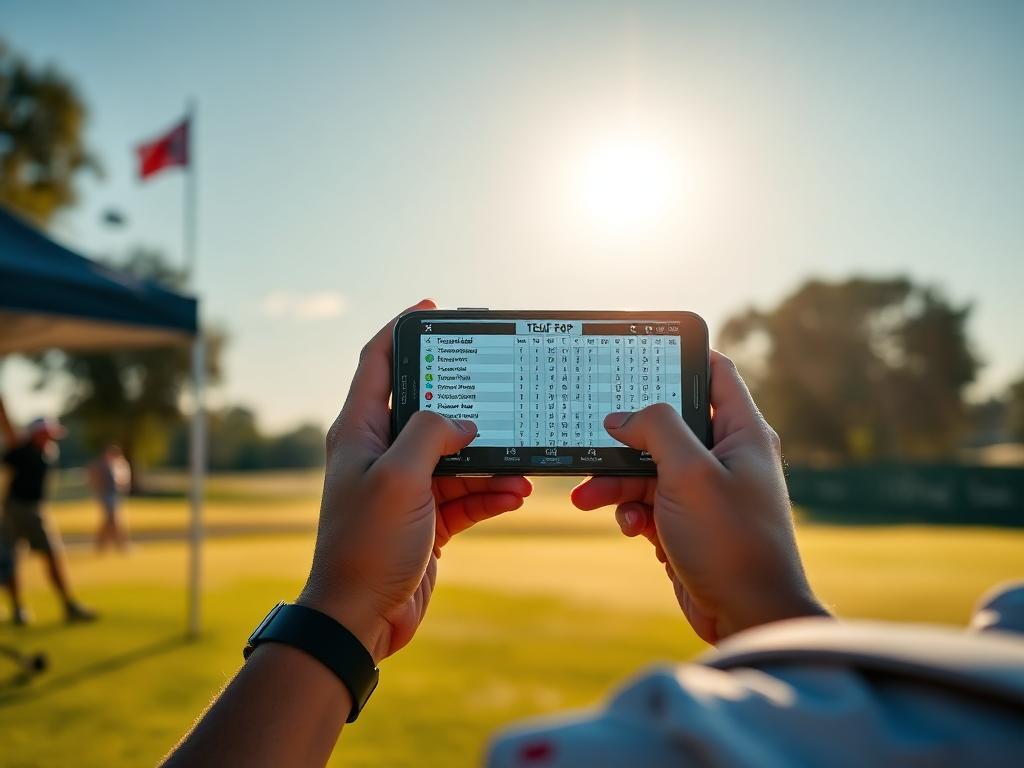
A breakdown of how tournament apps, launch monitors, GPS tools, and stat trackers fit together, and where junior golfers lose critical performance data.
Junior golfers chasing college roster spots track hundreds of numbers each month. Between tournament entries on BlueGolf or the AJGA portal, practice sessions on launch monitors, and course notes jotted in yardage books, data is everywhere.
However, most players operate these tools in isolation. When your scoring records, swing metrics, and course statistics never cross paths, you miss the exact performance leaks that college coaches look for. Understanding what each tool does best—and where data falls through the cracks—is critical to turning raw practice into tournament scoring.
1. Tournament Management Apps: BlueGolf, Golf Genius, and AJGA
Tour platforms are the public record of your competitive golf career. Whether you are competing on the Legends Junior Tour, NTPGA, TJGT, or AJGA, these platforms manage the administrative side of the game.
What they do well
- Official verification: They house verified stroke-play scores, slope/rating adjustments, rankings, and tournament finishes that college coaches review.
- Operations: Tee times, pairings, host facility details, and live leaderboards during competitive rounds.
Where the data stops
Tour portals are score repositories, not diagnostic tools. They track gross scores and basic statistics if entered, but they do not capture the nuance of why a round got away from you. A 76 on BlueGolf does not tell a coach if you struggled with 3-putts from outside 40 feet or missed seven consecutive approach shots from the right rough.
2. Launch Monitors and Simulators: TrackMan, GCQuad, FlightScope
Ball-flight and club-data monitors are essential for off-course technical development and distance calibration.
What they do well
- Club delivery metrics: Clubhead speed, ball speed, smash factor, launch angle, and spin rates.
- Carry distance baselines: Establishing exact carry yardages for every club in flat, zero-wind conditions.
Where the data stops
Launch monitors operate in sterile environments. A pristine carry number off a turf mat does not reflect how that 7-iron behaves into a 15 mph crosswind on Texas bermudagrass. Relying solely on indoor or flat-range carry data without adjusting for course conditions leads to miscalculated approaches in tournament play.
3. Course Management & GPS Tools
Handheld rangefinders, yardage books, and course mapping apps give players tactical clarity before hitting a shot.
What they do well
- Target planning: Mapping carry distances over hazards, landing zones off the tee, and green depths.
- Practice round mapping: Recording run-out distances, elevation changes, and green slopes prior to competition.
Where the data stops
Rules of golf restrict certain functions (such as slope readings) during competitive play. More importantly, pre-round course mapping often stays trapped in a yardage book and never gets analyzed alongside post-round scoring.
4. Dedicated Stat Tracking and Strokes Gained Systems
Platforms designed specifically for post-round logging (such as DECADE, Clippd, or dedicated Strokes Gained trackers) act as the analytical bridge between your practice and tournament results.
What they do well
- Strokes Gained breakdown: Isolating performance into Off-the-Tee, Approach, Around-the-Green, and Putting.
- Proximity to target: Tracking not just Greens in Regulation (GIR), but how close your approach shots finish from specific yardage bands.
- Decision auditing: Revealing whether high scores came from poor execution or flawed targets.
Where the data stops
These systems require disciplined manual input. Because electronic logging during rounds is often restricted, players must transfer notes from paper yardage books into the software after 18 holes. If a player fails to log data within 24 hours, accuracy drops significantly.
How to Bridge the Gaps in Your Data
To build a system that actually lowers your tournament scoring average, connect these tools in a clear sequence:
- Calibrate weekly on the monitor: Verify carry numbers on the range, noting current ball speed and carry for each iron.
- Map the course with realistic targets: Use practice rounds to align your real carry numbers with safe target quadrants on greens.
- Record every shot in competition on paper: Keep simple notes on club used, start line, lie, and distance to hole.
- Log post-round data immediately: Enter your yardage book notes into your chosen Strokes Gained app the evening the round finishes.
- Compare your stats against your tour results: Cross-reference your official scores on BlueGolf or Golf Genius with your Strokes Gained leaks to structure your next week of practice.
What to Do This Week
Select your next competitive round—such as this weekend's NTPGA West Series event or a casual high-school qualifying round. Commit to recording your start distance, club selection, and finishing distance from the hole for every approach shot in a paper yardage book. Log that round into your stat tracker within six hours of finishing to establish your baseline approach proximity.
Track your own numbers
Log every round hole by hole, import verified tour scores automatically, and send coaches a stat page that stays current.