
Tools & apps
How to Connect Your Tournament, Launch Monitor, and Stat Apps
October 19, 2026
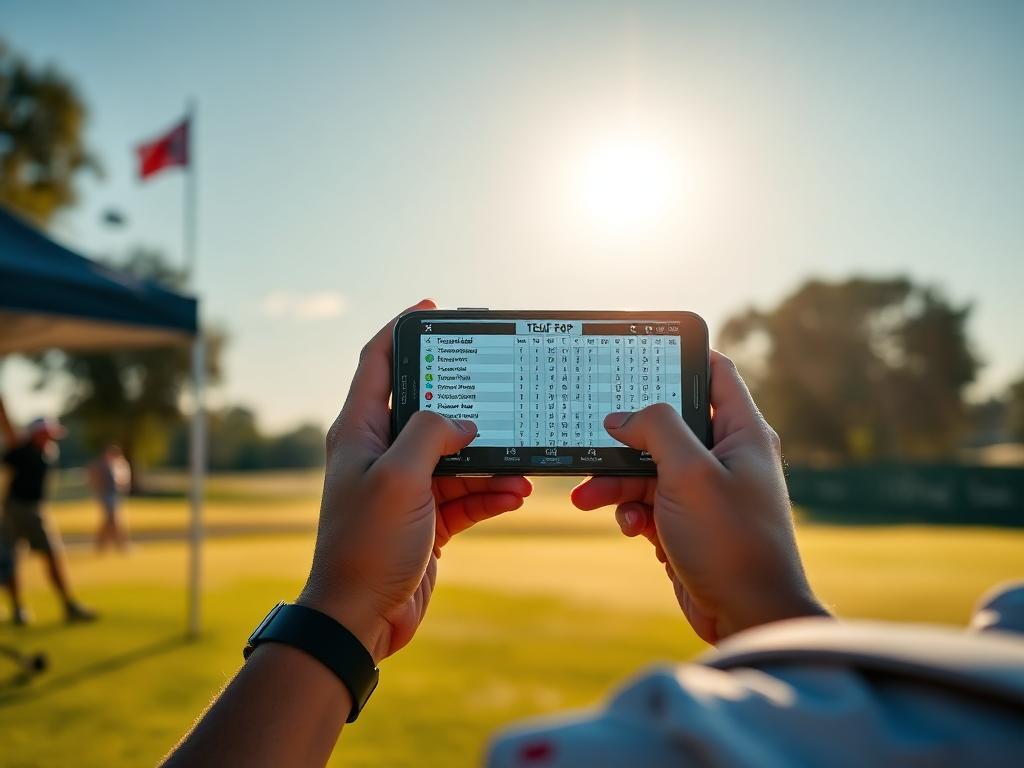
Junior golfers juggle tournament portals, launch monitors, and stat trackers. Here is what each tool does best and how to stop losing critical data between them.
A competitive high school golfer in Texas often interacts with four or five different golf apps every week. Between tournament management systems, launch monitor software, GPS mapping tools, and strokes-gained trackers, data is scattered everywhere.
None of these platforms communicate natively with one another. When players do not understand the distinct role of each tool, they end up with fragmented data, wasted time, and training sessions that do not translate to tournament scorecards.
Here is a breakdown of what each layer of your tech stack actually does well, where information gets lost, and how to build a unified workflow.
Tournament Portals: Verified Results, Zero Process Data
Platforms like BlueGolf (used across the Legends Junior Tour, NTPGA, and TJGT), Golf Genius, and the AJGA portal serve one primary master: competition administration.
What they do well
- Registration, entry deadlines, and field listings.
- Live scoring and official hole-by-hole tournament records.
- Scoring differential calculation and national ranking integration.
Where data gets lost
Tournament portals record output, not input. BlueGolf knows you made a bogey on the 14th hole, but it does not know if that bogey resulted from an aggressive line off the tee, a missed green from 115 yards, or a three-putt. College coaches look at these portals to verify scoring trends and yardages played, but players cannot rely on them for performance diagnosis.
Launch Monitors: Raw Delivery vs. Real-World Execution
Software tied to TrackMan, Foresight, and FlightScope captures the physics of impact in controlled practice environments.
What they do well
- Measuring carry distances under flat, zero-wind conditions.
- Quantifying ball speed, launch angle, and spin rates.
- Verifying club delivery metrics such as path and face-to-path relationship.
Where data gets lost
Launch monitor data exists in an isolated silo. A 165-yard carry with a 7-iron on a turf mat does not automatically apply to firm Texas fairways, heavy crosswinds, or uneven lies. Players often make the mistake of viewing range numbers as course numbers. When that carry distance is not cross-referenced with on-course conditions, club selection during competition breaks down.
GPS and Yardage Apps: Practice Round Reconnaissance
GPS and mapping apps provide overhead course layouts, green contours, and visual distance markers.
What they do well
- Plotting target lines during practice rounds.
- Measuring carry hazards and fairway runout distances.
- Helping players build a structured yardage book before tournament day.
Where data gets lost
USGA rules heavily restrict real-time electronic assistance during competitive rounds. If you rely solely on phone-based GPS for distance management in casual play, you create a dependency that hurts your execution during sanctioned competition where you must rely on standard rangefinders and paper yardage books.
Dedicated Stat Trackers: Where Decisions Meet Data
Platforms like DECADE, UpGame, and Golfmetrics analyze decisions, shot dispersion, and Strokes Gained.
What they do well
- Separating target execution from strategic errors.
- Isolating exact scoring leaks (such as approach play from 125–150 yards versus short-game conversion).
- Giving players actionable feedback for weekly practice plans.
Where data gets lost
Data integrity relies entirely on prompt entry. If a player waits 48 hours after a round to input shot data, subtle details—such as exact lie conditions, wind direction, and target offset—are forgotten. Garbage input creates inaccurate Strokes Gained reporting.
How to Build a Streamlined System
To make these tools work together without adding screen time, assign each a clear job in your weekly routine:
- Practice tee (Launch monitor): Dial in true carry baselines once a month and log current ball speeds.
- Practice round (GPS and Yardage Book): Note landing zones, hazard runouts, and green slopes directly into your physical tournament book.
- Tournament play (Portal): Let the committee and portal manage the official gross score.
- Post-round (Stat tracker): Log raw shot data within two hours of completing your round while execution details are fresh.
Next Step This Week
Before your next tournament round—whether you are competing in the TJGT Fall Series at Grey Rock or prepping for late-fall events like the HJGT Texas Fall Open—establish a fixed 10-minute post-round routine. Sit down with your physical scorecard immediately after scoring, log your tee-to-green shot locations into your tracking app, and identify your single biggest Strokes Gained loss before planning next week's practice.
Track your own numbers
Log every round hole by hole, import verified tour scores automatically, and send coaches a stat page that stays current.